

If you look under the hood of 99% of WordPress websites, you will find the exact same structured data: @type: "Article". Whether it is a recipe for chocolate cake, a review of a SaaS product, or a job listing, standard SEO plugins treat everything as a generic article. This is a massive missed opportunity.

The Power of Specificity
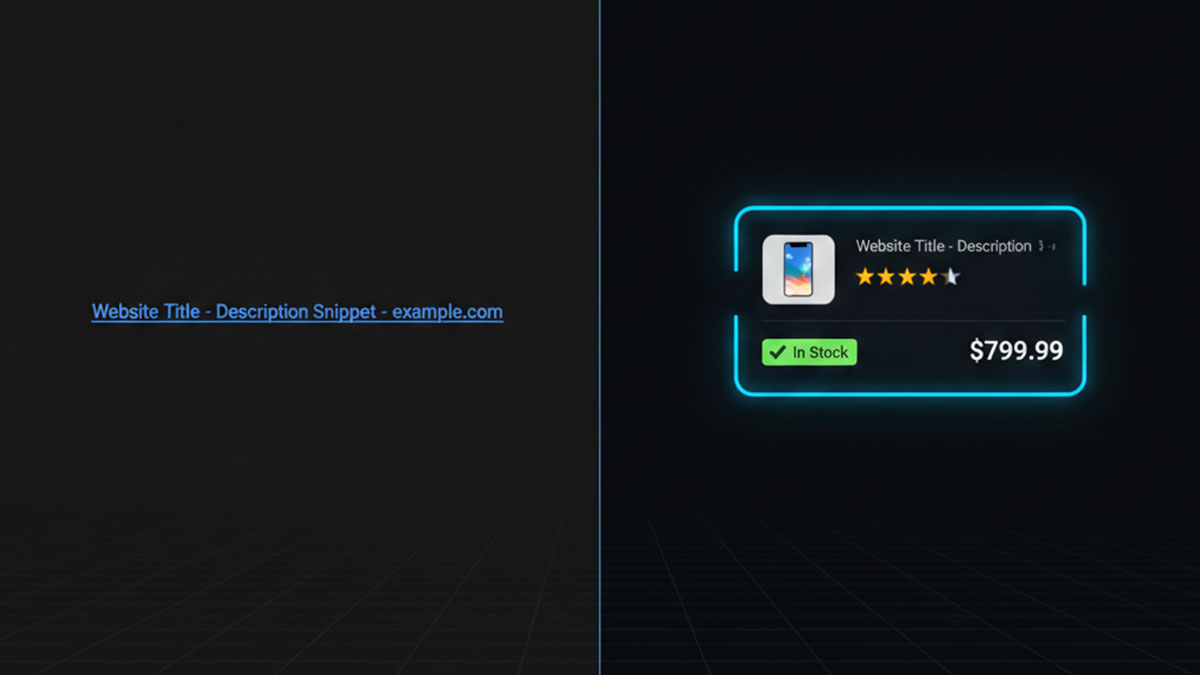
When Google knows exactly what type of content you are providing, it changes how your site is displayed to the user. These visual enhancements (Rich Results) drastically increase Click-Through Rates (CTR).
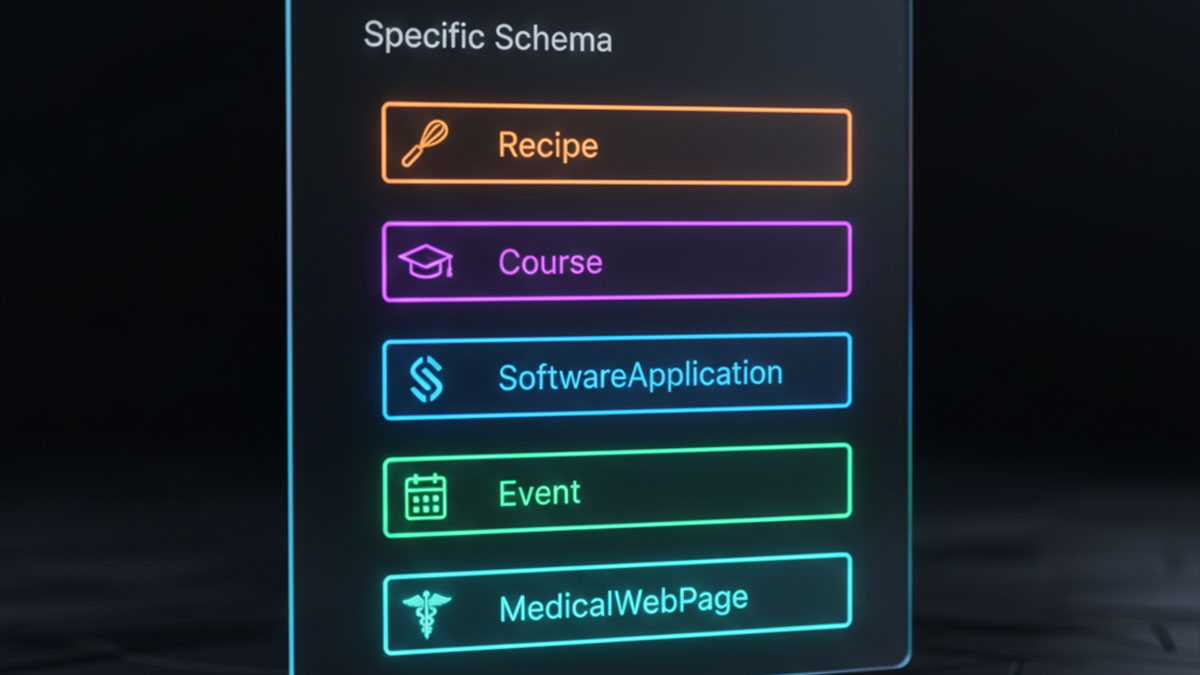
- SoftwareApplication: Triggers star ratings, operating system compatibility, and pricing right in the search results.
- Course: Pushes your educational content into Google’s swipeable “Courses” carousel, highly visible on mobile devices.
- JobPosting: Bypasses standard search entirely, injecting your listing directly into the Google Jobs board interface.
- MedicalWebPage: Adds critical trust and verification signals to YMYL (Your Money or Your Life) content.
Unleashing the EAP Component Library
Most agencies don’t use these advanced schema types because writing the custom JSON-LD required is tedious and one missing comma breaks the entire page. Schema Pillar Pro solves this by providing a massive library of visual Web Components.
- Select the Archetype: Instead of defaulting to Article, open the SPP Drawer and select from dozens of specific types (Recipe, Event, Review, Restaurant, Dataset, etc.).
- Fill the Blanks: EAP generates a custom form asking only for the properties Google requires for that specific rich result. If you choose
Course, it asks for the instructor and educational level. If you chooseSoftwareApplication, it asks for the operating system. - Dominate the Niche: Upon saving, EAP seamlessly injects this highly complex data model directly into your Global Graph, instantly making your site eligible for niche-specific SERP domination.
Are you leaving SERP features on the table?
Stop relying on generic SEO plugins. Unlock the full power of the Knowledge Graph with EAP’s advanced schema library.