
TACTICS
Voice Search Optimization: Capturing Smart Speaker Traffic with ‘Speakable’ Schema
When a user asks a screen-based search engine a question, they are willing to skim through an entire article to find the answer. When a user asks their smart speaker a question, they expect a single, concise, 15-second auditory response. They do not want Siri reading your entire 3,000-word blog post.


The Mechanics of Voice Search
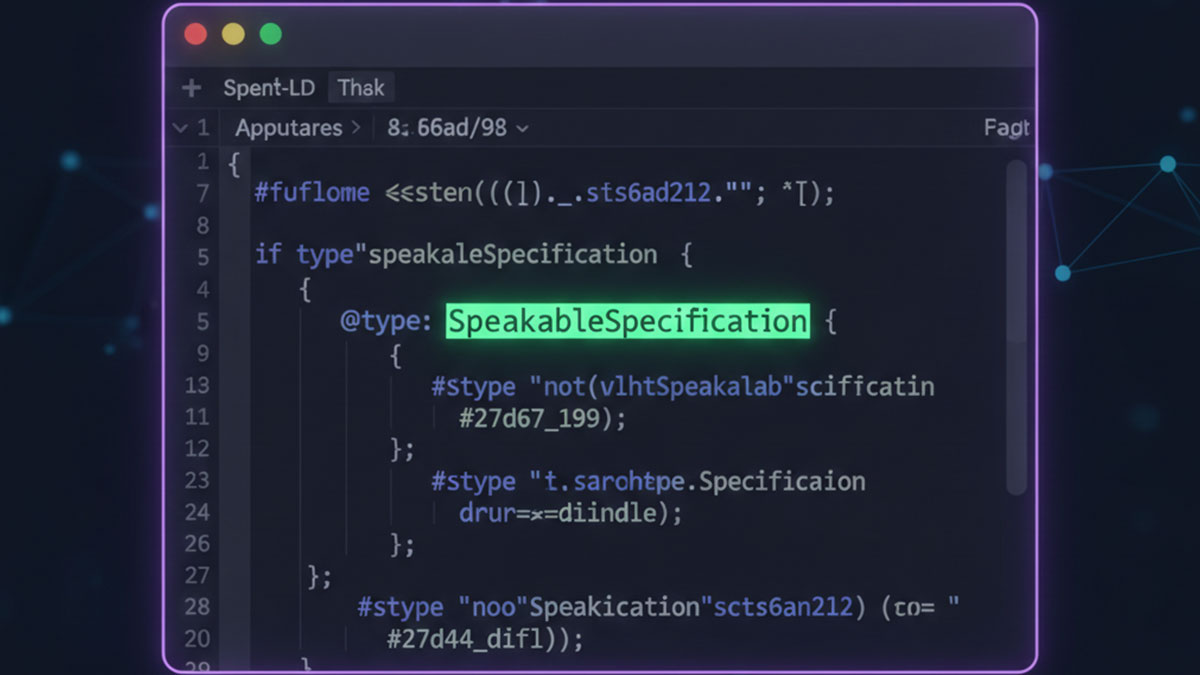
To bridge the gap between visual web pages and audio-first devices, Google introduced Speakable schema. This is a specific JSON-LD property nested inside your main Article or WebPage graph.
Instead of passing raw text to the crawler, Speakable schema passes CSS Selectors (like an ID or a Class). It tells the AI: “Hey, when someone asks a question about this topic, just read the text inside the .post-excerpt class.”
Executing the Speakable Strategy with EAP
Most SEOs ignore voice search because manually writing XPaths and CSS arrays into JSON-LD is incredibly frustrating and prone to breaking. Schema Pillar Pro turns this into a two-click process.
- Identify the Summary: Ensure your article has a highly concise, value-packed introduction paragraph or summary box (just like the hidden summaries we use at the top of these EAP articles!).
- Target the Class: Open the EAP Schema Builder, activate the Speakable Trait, and simply select your source. You can tell EAP to automatically target your WordPress excerpt, your first paragraph, or a custom CSS class you define.
- The Injection: EAP dynamically wraps this command inside a
SpeakableSpecificationnode and nests it safely in your Global Graph.
By proactively feeding Google the exact auditory soundbite it is looking for, you bypass competitors and position your brand as the definitive vocal authority on smart devices worldwide.
Is your content deaf to AI?
Optimize your entities for Alexa, Siri, and Google Assistant in seconds using the EAP Speakable Engine.