
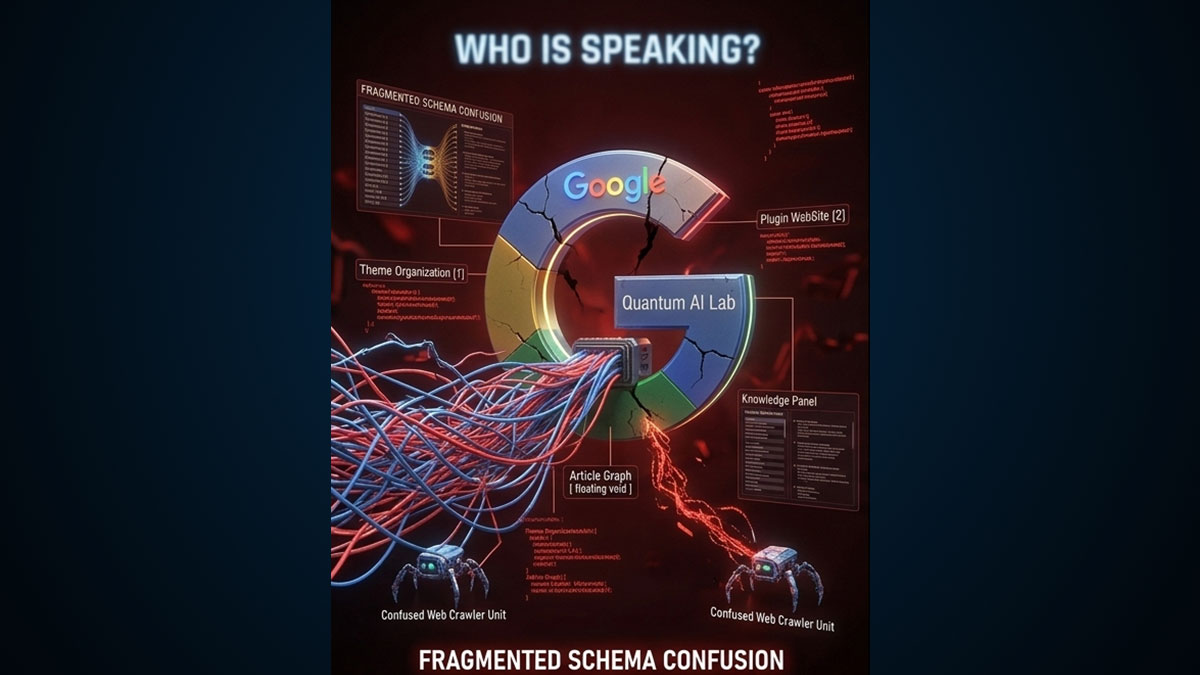
If you run your website through the Google Rich Results Test right now, you will likely see a mess. You might have three different ‘Organization’ entities, two ‘WebSite’ nodes, and a disconnected ‘Article’ graph floating in the void. This happens when your SEO plugin, your theme, and your page builder all try to write schema at the same time.
The Difference Between Global and Page Data
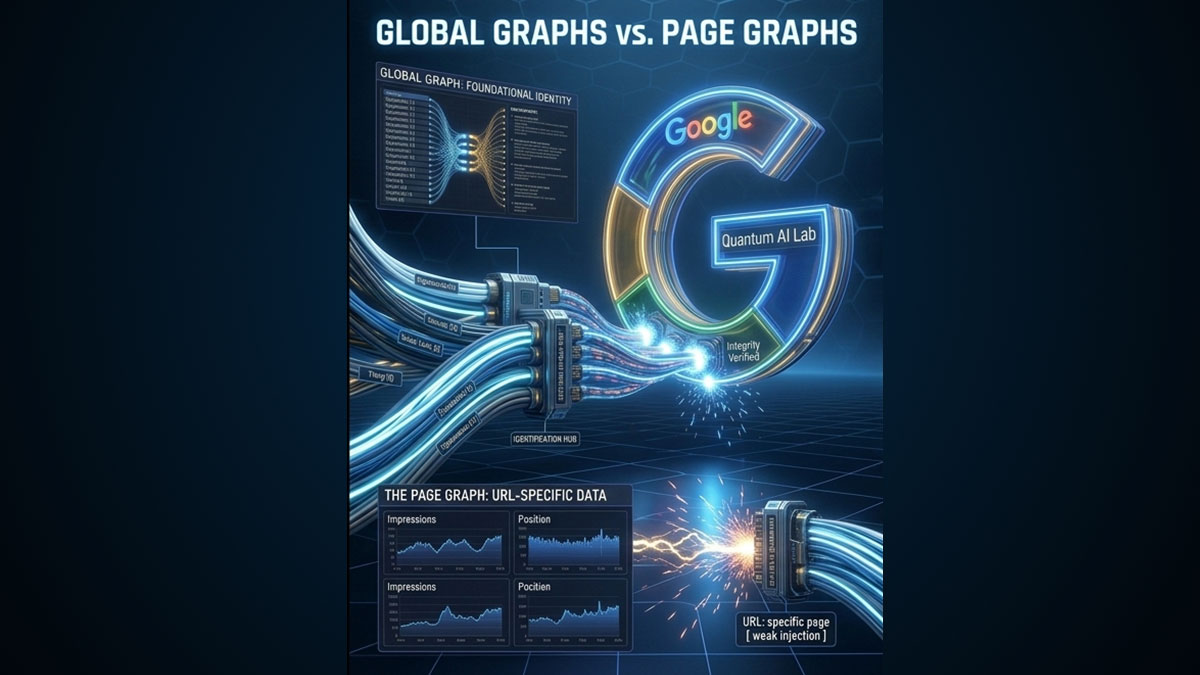
To fix schema fragmentation, you have to understand the difference between the two layers of entity architecture:
- The Global Graph: This is data that never changes, regardless of what page you are on. Your Organization name, your CEO, your logo, and your main social links.
- The Page Graph: This is highly specific to the URL. If the user is on a recipe post, the Page Graph is `Recipe`. If they are on a service page, it’s `Service`.
The “Recursive” Schema Error
Most basic SEO plugins blindly inject your Global Graph (Organization data) onto every single page as a standalone block. Then, they inject the Page Graph (Article data) as a second standalone block. Google’s crawler looks at this and sees two entirely unrelated entities sharing the same URL.
The EAP Injection Solution
The Entity Authority Platform uses an advanced nesting engine to stitch these graphs together seamlessly.
- When you define your core brand in the EAP Dashboard, it builds the Global Graph once.
- When you use the Schema Pillar Pro drawer on a specific post to build an `Article` or `FAQPage`, it builds the Worker Graph.
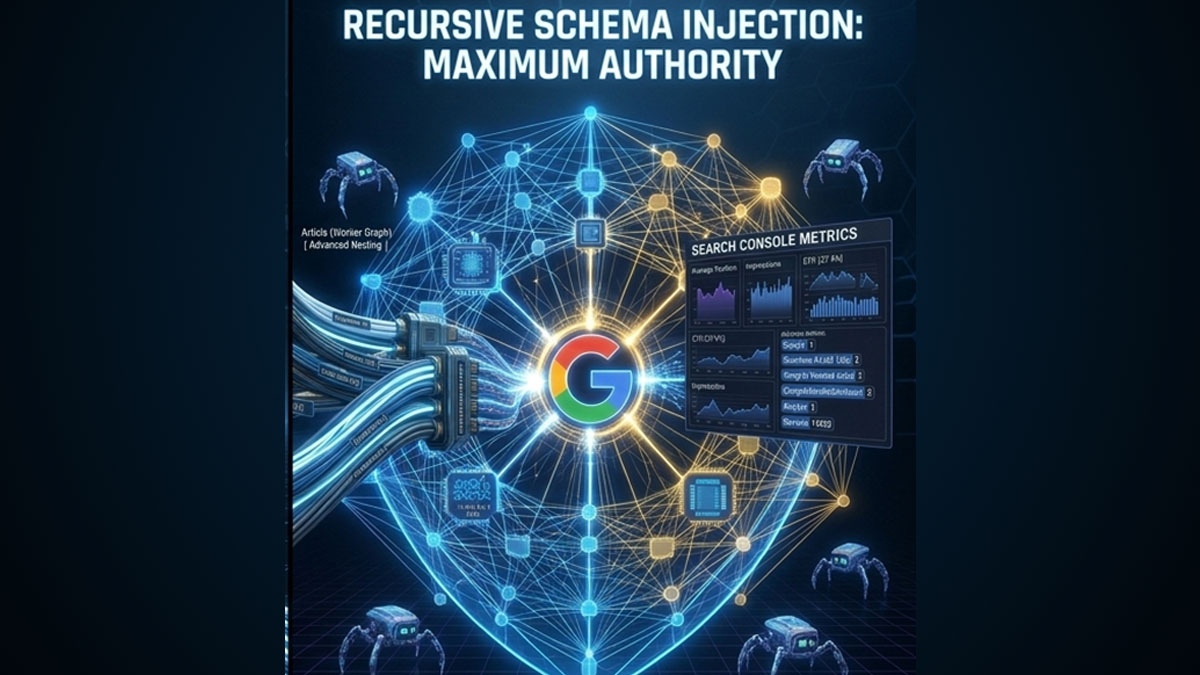
- Upon publishing, EAP dynamically injects the Worker Graph *inside* the Global Graph via the `@graph` array.
The result? Google sees one beautifully connected map: “This specific Article was published on this specific WebSite which is owned by this specific Organization.” Zero conflicts. Maximum authority.
Is your schema fighting itself?
Clean up your code and deploy a unified, error-free `@graph` payload across your entire site using EAP.