

Decay Tracker: Stop Traffic Leaks
Traffic rarely drops off a cliff overnight. Instead, it bleeds out slowly as competitors update their content and steal your entity relevance. The Decay Tracker monitors this leak so you can plug it.
The Core Concept: What is Content Decay?
Content decay happens when a page that historically ranked well slowly loses its position and click-through rate. Because standard Google Search Console limits your view to broad date ranges, agencies often don’t notice a page has decayed until the client complains about a drop in leads.
How the EAP Algorithm Works
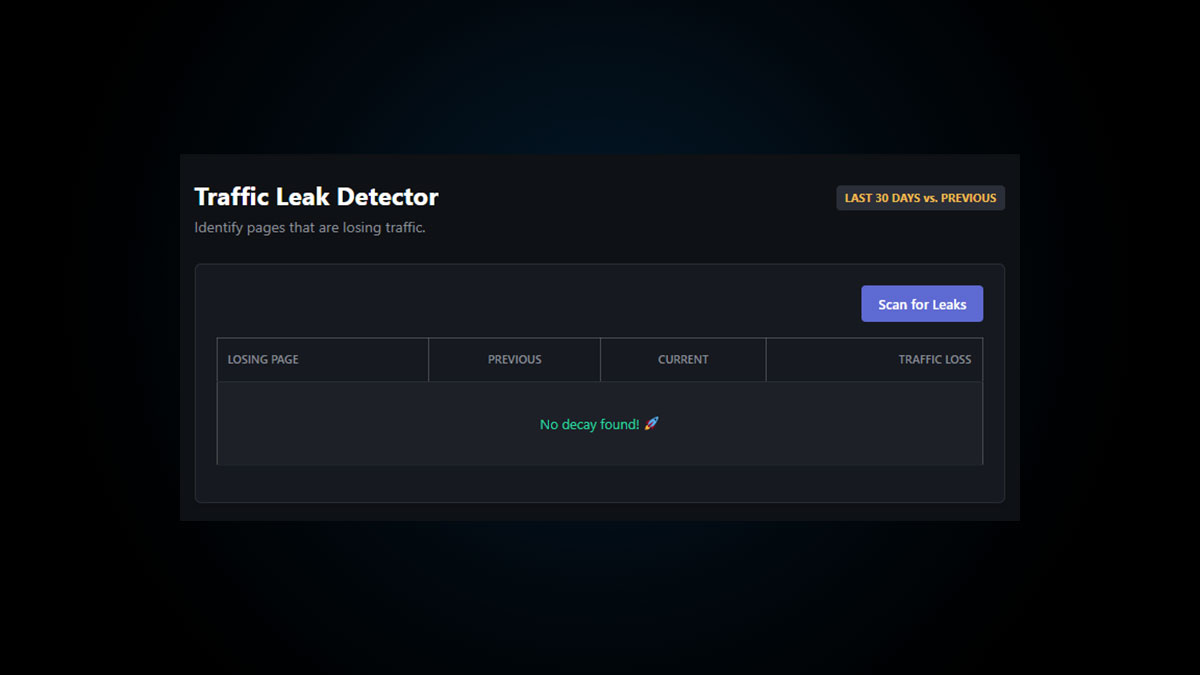
The Decay Tracker automates the most tedious part of SEO auditing. When you click “Scan for Leaks,” the headless API pulls down two exact datasets:
- Current Period: The last 30 days of URL performance.
- Previous Period: The 30 days immediately preceding that.
It then compares the clicks, calculates the exact percentage of loss, and sorts your pages from the most critical leaks to the most stable.
How to Execute a Decay Audit
Follow these steps to find and fix bleeding pages before they flatline completely.
- Run the Scan: Navigate to the Decay Tracker in your Entity Tools menu and click “Scan for Leaks.”
- Identify Critical Drops: Look at the right-hand column for pages with a loss greater than 20% (highlighted in red). These are your priority targets.
- Analyze the SERP: Search the primary keyword for the decaying page. Look at the competitors who have overtaken you—what semantic entities, FAQs, or topics are they covering that you are missing?
- Deploy the Fix: Update your content to match the new AI search intent, refresh the Title Tag with the current year, and run the URL through the Signal Tower to force an immediate Google re-crawl.
Tired of losing your rankings?
Catch content decay in real-time and secure your digital moat before competitors steal your traffic.